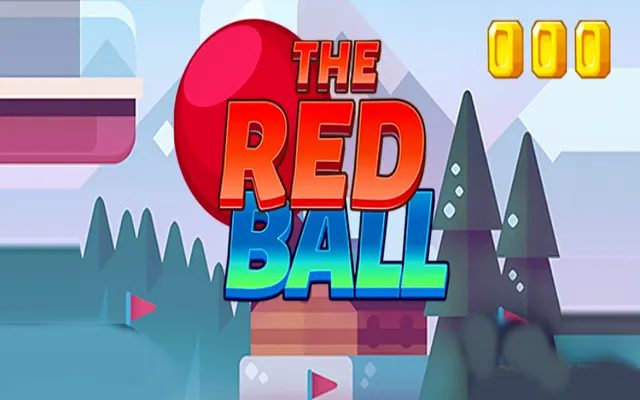
The Red Ball
No automatic start. The game opens when you choose.
Game takes a moment to load? Choose Try again, or visit the game provider ↗. Stopping or trying again ends the current session.
About The Red Ball
The Red Ball: How to play • Move your paddle with the mouse, touch, or even the keyboard keys • 10 Levels • Level selection is randomized, you play through all 10 levels randomly to get the best score you can get This is a Construct 3 Game, with ready HTML5 files for your website You can use it as is, or modify it or reskin it The game comes with beautiful premium graphics, they are also easy to reskin and provide smooth gameplay Items Included: • HTML5 Game files • Construct 3 c3p source code • Help File Item Features: • Easy Reskin, simply replace the images using software like Photoshop • No Plugins used in both C3 for easier modifications and changes • Highscore System to find out your best scores, in this case the best time! • Touch & Mouse Controls • Keyboard Controls • Responsive Design ( resizes automatically on different screens ) • Mobile and Tablet and Desktop browsers compatible
How to play
Choose Play game, then follow the opening instructions in The Red Ball. Use the instructions shown inside the game. Controls can differ between touch and keyboard versions.
Start with a controlled attempt. Notice which actions change the situation and repeat a useful action before increasing your pace.
Tips for your next attempt
- Check the shape of the open spaces as well as the pieces. A move that fits now may leave a harder gap for your next decision.
- Pay attention to repeated movement. A steady response is easier to improve than changing several actions at once.
Game details are based on the provider’s description. Rules and controls shown inside the current game take precedence.